
Video has become one of the most powerful forms of digital content. From social media Reels and YouTube videos to product advertisements and educational content, businesses and creators use video to attract attention and communicate with their audiences.
However, creating professional videos traditionally requires cameras, equipment, actors, editors, and a significant amount of time.
An AI video generator is changing this process.
With artificial intelligence, creators and businesses can turn text prompts, images, scripts, or ideas into engaging videos with much less manual work. This makes video creation faster, more accessible, and easier to scale.
In this guide, we’ll explore what an AI video generator is, how it works, its benefits, use cases, limitations, and how businesses can use AI-generated videos for digital marketing.
What Is an AI Video Generator?
How Does an AI Video Generator Work?
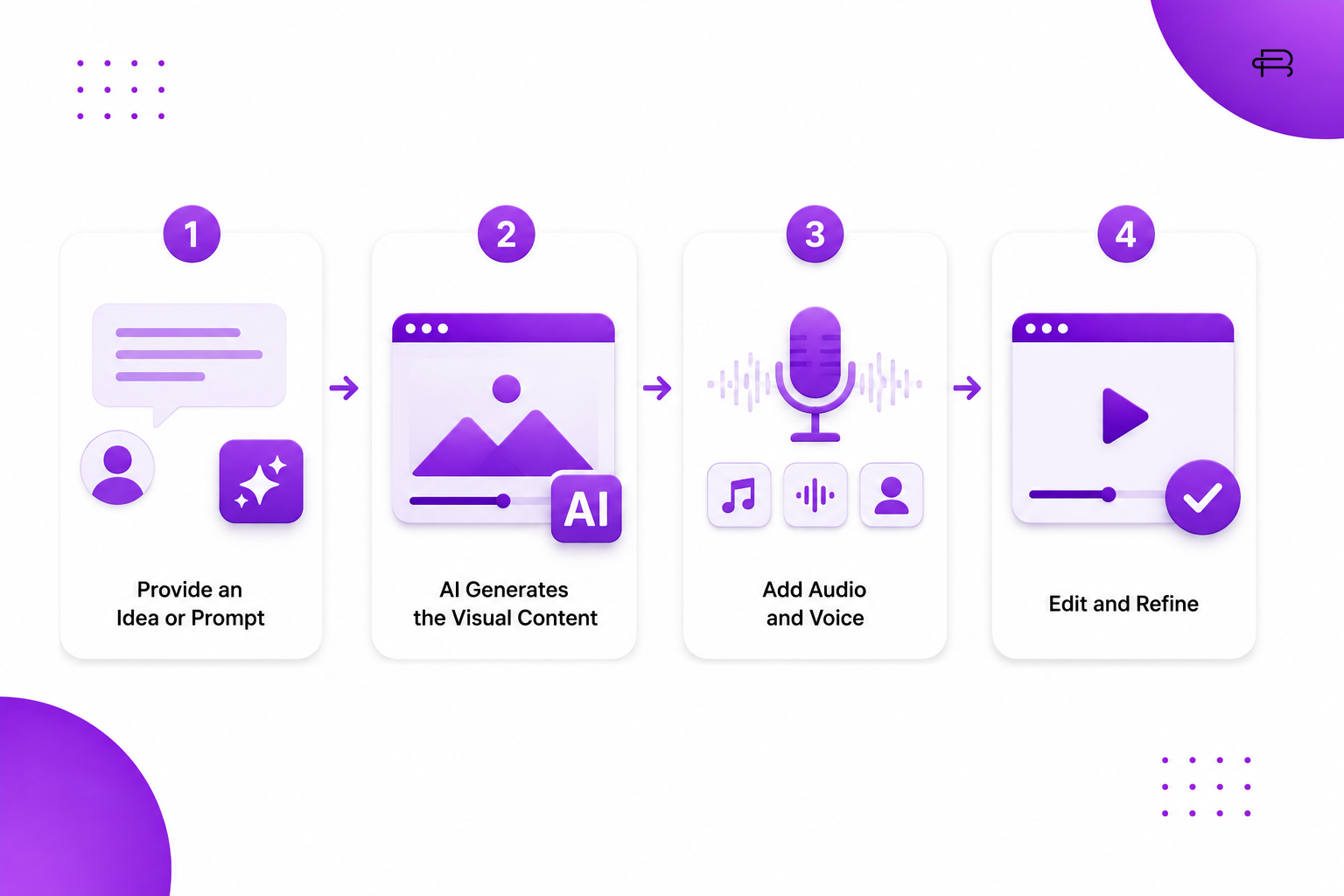
Although different AI video generator tools use different technologies, the basic process is relatively simple. An AI video generator uses artificial intelligence to turn text prompts, images, or other inputs into video content with minimal manual editing.
Step 1: Provide an Idea or Prompt
The process begins when the user describes what they want to create. An AI video generator analyzes the prompt and identifies important elements such as the subject, environment, camera movement, lighting, style, and mood.
For example:
“Create a cinematic product advertisement showing a luxury perfume bottle on a dark reflective surface with dramatic lighting.”
The AI video generator interprets these instructions and uses them to create the desired visual concept.
Step 2: AI Generates the Visual Content
After receiving the prompt, the AI video generator creates video frames or scenes based on the instructions. Advanced AI video generators can generate realistic motion, camera movements, environments, characters, and visual effects.
Depending on the platform, users may also upload an image and use the AI video generator to animate, transform, or enhance it.
Step 3: Add Audio and Voice
Many AI video generator platforms can also help create or add audio elements, including:
AI voiceovers
Background music
Sound effects
Dialogue
Narration
This allows creators to produce complete videos using an AI video generator without recording every element manually.
Step 4: Edit and Refine
Once the initial video is generated, creators can refine the result by changing prompts, scenes, timing, text, voiceovers, or visual elements.
Some AI video generator tools also provide built-in editing features that make it easier to adjust the video before publishing.
Finally, the completed video can be exported and used on platforms such as Instagram, YouTube, websites, presentations, and digital advertising campaigns.
Overall, an AI video generator simplifies video creation by combining AI-generated visuals, audio, and editing tools into a streamlined workflow.
Why Are AI Video Generators Becoming Popular?
 The growth of short-form video has created a huge demand for visual content.
Businesses need videos for social media, advertisements, product launches, websites, and campaigns. However, producing high-quality video consistently can be expensive and time-consuming.
An AI video generator helps solve some of these challenges.
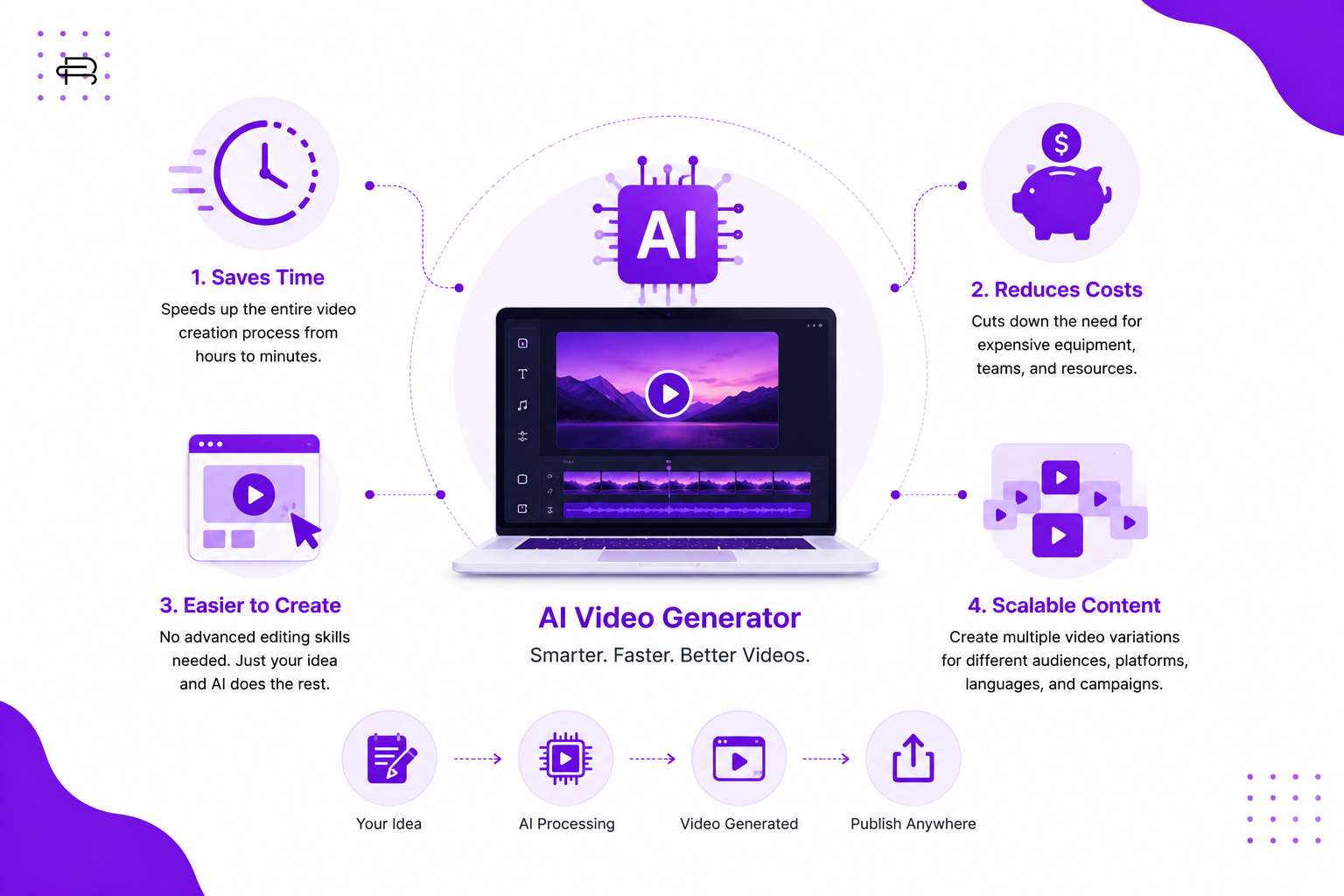
1. Saves Time
Traditional video production can involve scripting, filming, editing, color correction, voice recording, and multiple revisions.
AI can automate or speed up several of these steps.
A concept that might previously have taken hours or days to produce can sometimes be turned into a first draft much faster.
2. Reduces Production Costs
Professional video production can require:
- Cameras
- Lighting
- Locations
- Actors
- Editors
- Voice artists
- Production teams
AI can reduce the need for some of these resources, especially for simple marketing videos and creative experiments.
This can make video production more accessible to small businesses and individual creators.
3. Makes Content Creation Easier
You don’t necessarily need advanced video-editing skills to start creating AI-assisted videos.
A well-written prompt and a clear creative concept can be enough to produce an initial video.
This allows marketers, entrepreneurs, and creators to experiment with video without depending entirely on professional production teams.
4. Makes Content Scalable
One of the biggest advantages of AI video creation is scalability.
A business can create multiple versions of a video for different:
- Audiences
- Products
- Languages
- Platforms
- Campaigns
- Marketing messages
For example, an e-commerce brand could create several variations of the same advertisement with different hooks and calls to action.
Types of AI Video Generation
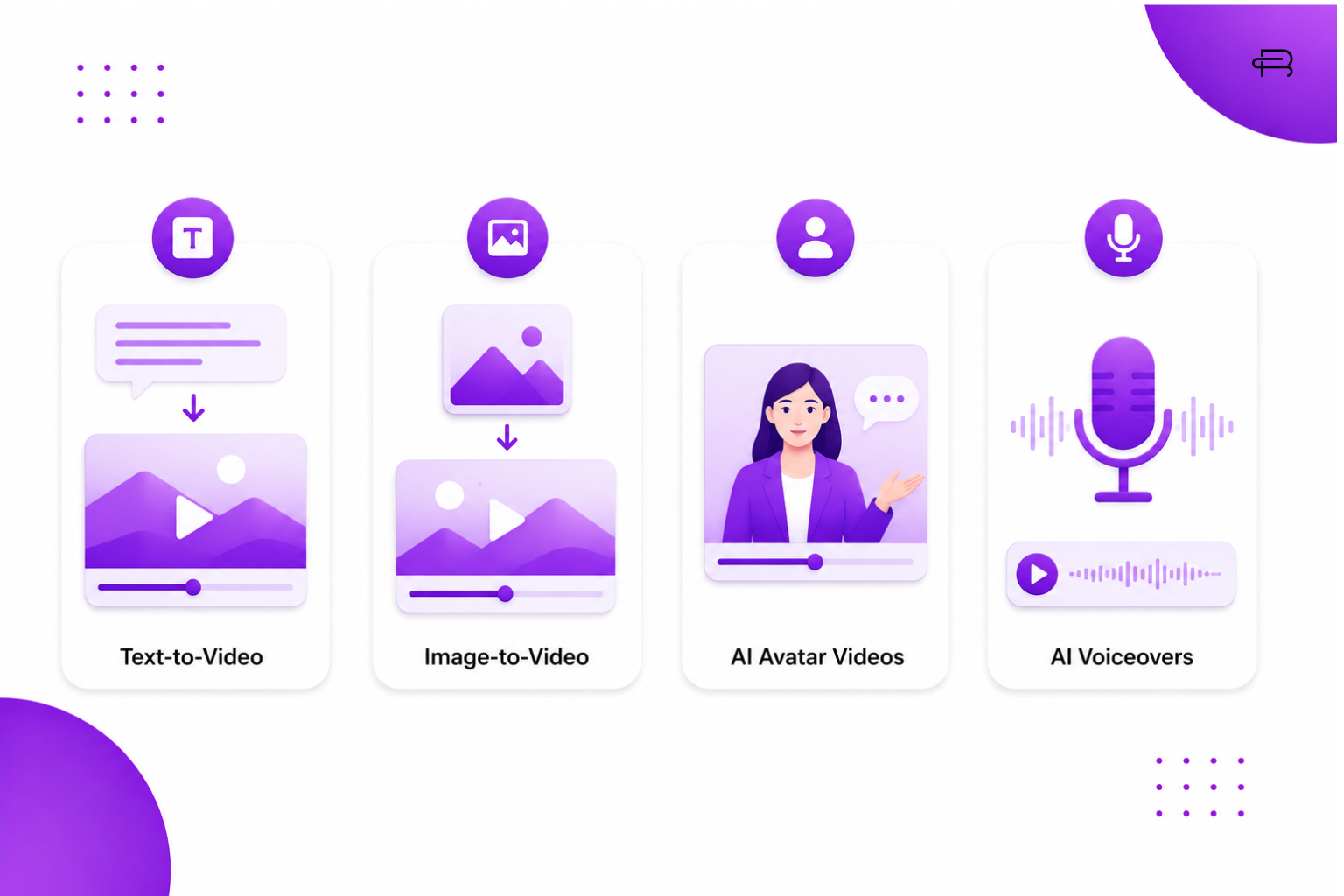 AI video generators can be used for different types of content.
Text-to-Video
Text-to-video tools generate video scenes based on written prompts.
For example:
“A young woman walking through a futuristic city at night, cinematic lighting, slow camera movement.”
The AI interprets the description and generates a corresponding video.
This is particularly useful for creative concepts, advertisements, storytelling, and visual experiments.
Image-to-Video
Image-to-video technology takes a static image and adds movement to it.
For example, a product image could be transformed into a short promotional animation with camera movement, lighting changes, or environmental motion.
This can be useful for brands that already have product photography.
AI Avatar Videos
Some platforms allow users to create videos featuring AI-generated or digital presenters.
These avatars can deliver scripts in different languages and can be useful for:
- Tutorials
- Training videos
- Explainer videos
- Presentations
- Educational content
AI Voiceovers
AI can also generate realistic voiceovers from written scripts.
Creators can choose different voices, languages, accents, and speaking styles depending on the platform and available options.
AI Video Generator for Digital Marketing
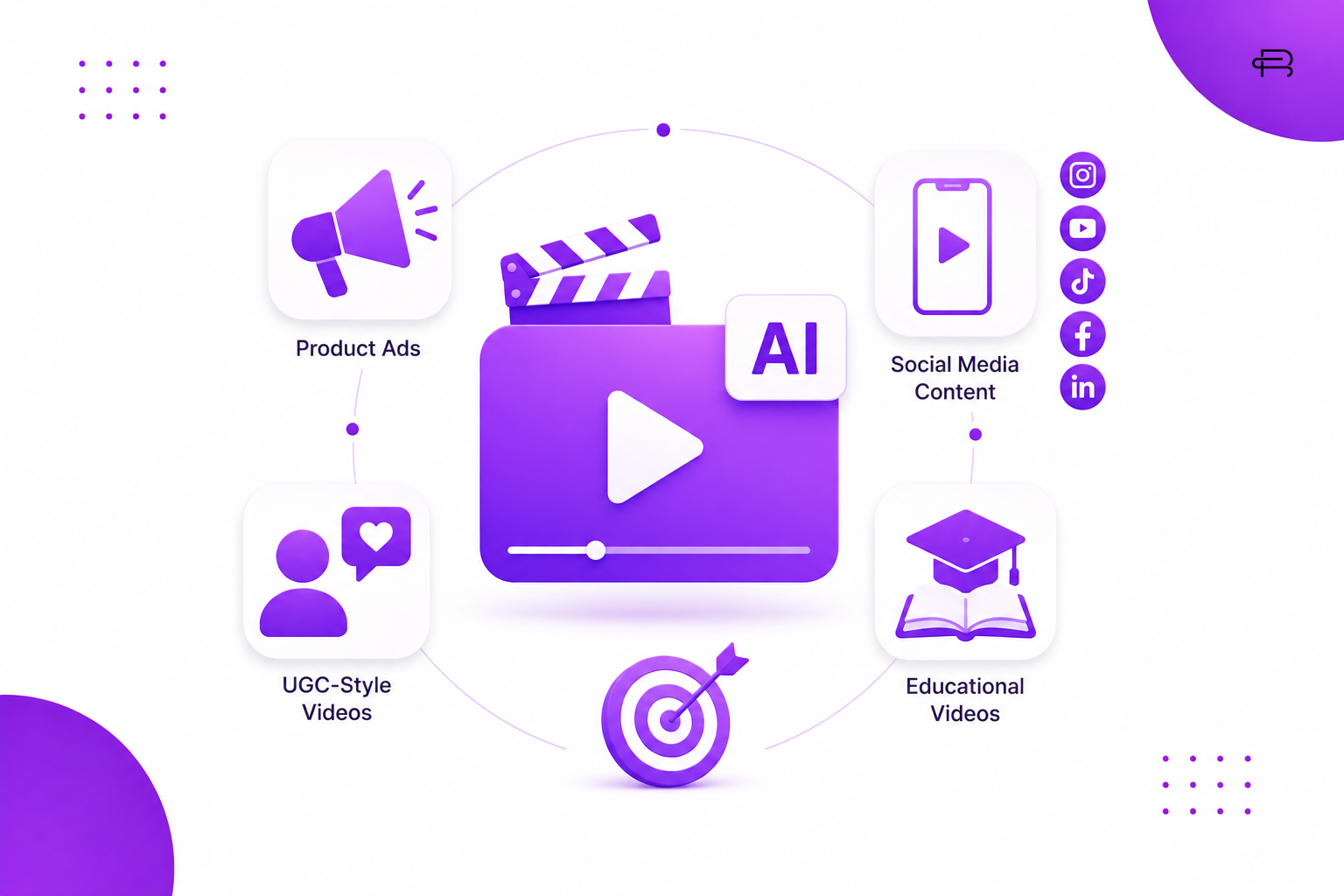 One of the biggest opportunities for AI video generators is digital marketing.
Modern brands need a constant stream of content to stay visible online.
AI can help marketers create content for different stages of the customer journey.
Social Media Content
Brands can use AI-generated videos for:
- Instagram Reels
- YouTube Shorts
- TikTok videos
- Facebook videos
- LinkedIn content
Short-form videos can be created around educational topics, product features, tips, trends, and promotional campaigns.
Product Advertisements
AI can help marketers create product advertisements without organizing a complete physical production.
For example, a perfume brand could generate a cinematic environment around its product and create multiple advertisement concepts.
UGC-Style Videos
AI is also being used to create UGC-style marketing content.
Brands can use AI to assist with:
- UGC scripts
- Video concepts
- Product demonstrations
- Voiceovers
- Scene generation
- Creative variations
However, marketers should be transparent when AI-generated content is presented in a way that could otherwise be mistaken for a genuine customer experience.
Educational Videos
Businesses can turn blog posts, guides, and educational content into short videos.
For example, a digital marketing blog about SEO could become a series of short educational videos explaining:
- Keyword research
- On-page SEO
- Technical SEO
- Link building
- SEO mistakes
This creates opportunities to repurpose existing content across multiple platforms.
How to Create a Video Using an AI Video Generator
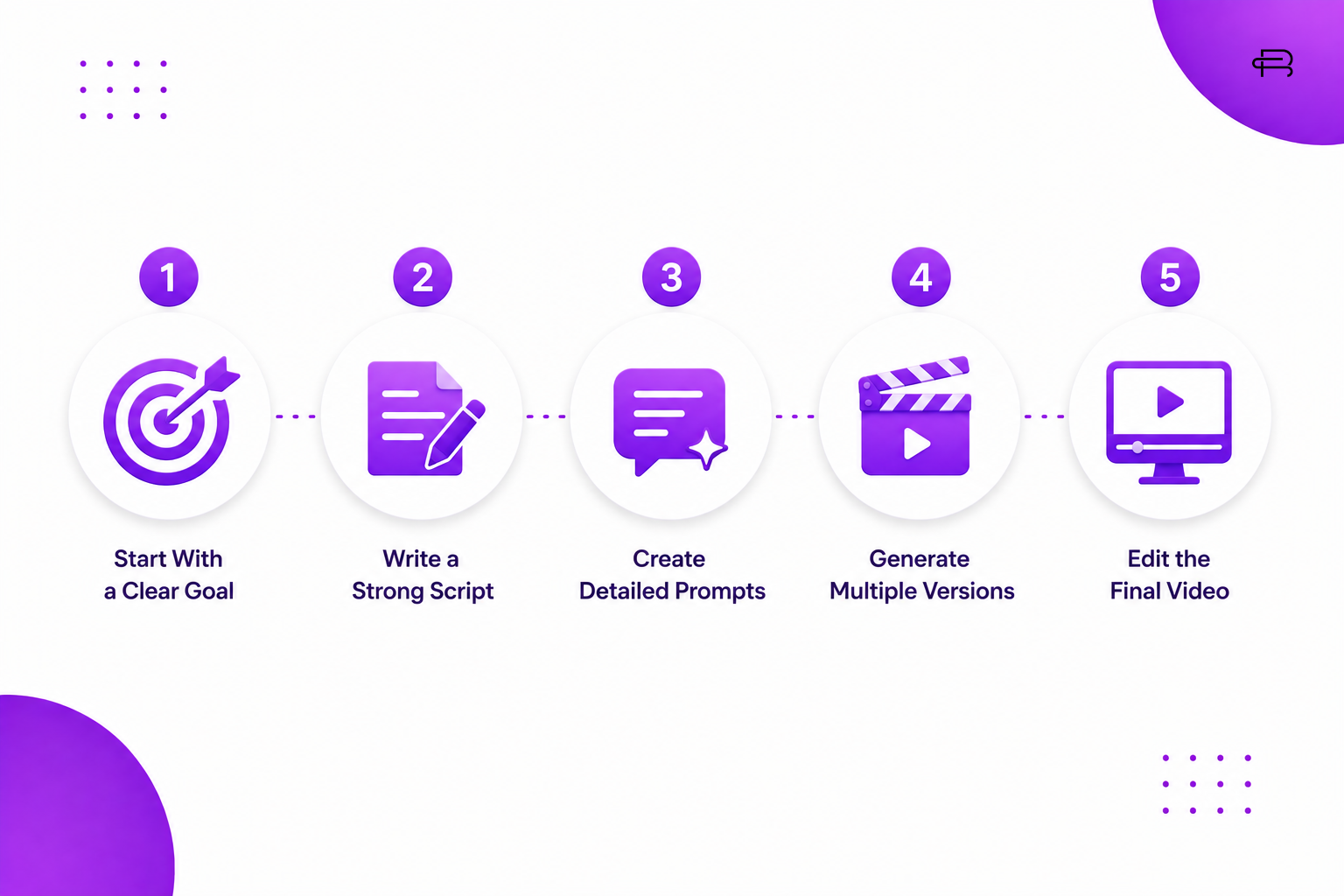 Creating an AI video becomes easier when you follow a clear process.
1. Start With a Clear Goal
Before opening an AI tool, decide what the video should achieve.
Ask yourself:
Is the goal to educate, entertain, promote, or generate sales?
A clear goal helps determine the video’s style and structure.
2. Write a Strong Script
A good video starts with a good idea.
Your script should include:
- Hook
- Main message
- Supporting information
- Visual direction
- Call to action
For short-form content, the opening seconds are particularly important.
3. Create Detailed Prompts
The quality of your instructions can influence the quality of the generated video.
Instead of writing:
“A woman using skincare.”
You could provide more detail:
“A young woman in a bright modern bedroom applying moisturizer to her face, natural morning sunlight coming through a window, realistic skin texture, soft handheld camera movement, lifestyle advertisement style.”
Detailed prompts give the AI more information about the desired result.
4. Generate Multiple Versions
Don’t always rely on the first result.
Create different versions by changing:
- Camera angle
- Lighting
- Background
- Character movement
- Visual style
- Duration
- Prompt structure
Comparing variations can help you find a stronger creative direction.
5. Edit the Final Video
AI generation doesn’t mean editing is unnecessary.
You may still need to adjust:
- Timing
- Captions
- Music
- Voiceover
- Branding
- Transitions
- Color
- Call-to-action screens
AI can accelerate production, but human creative direction remains important.
Tips for Writing Better AI Video Prompts
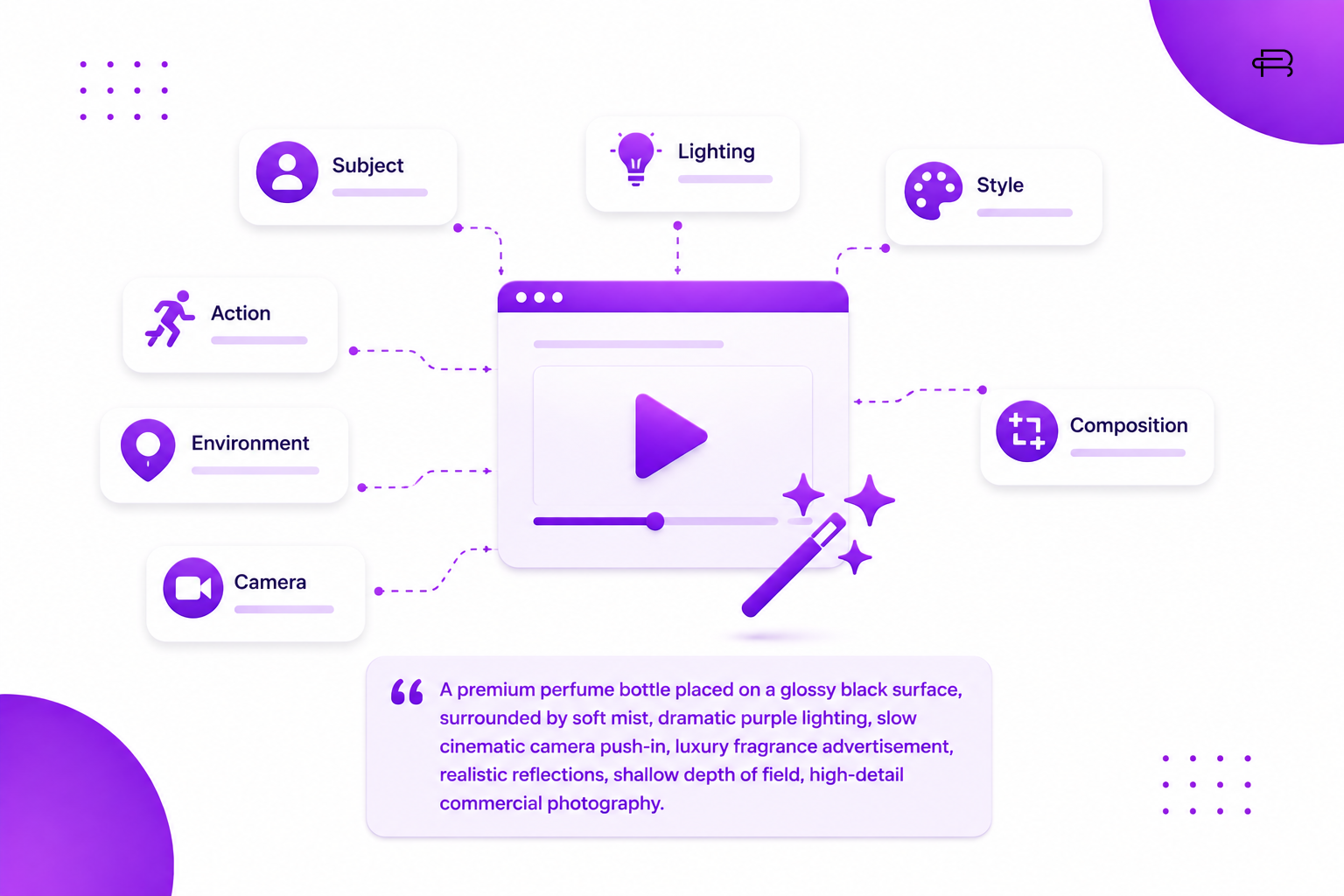 A strong prompt should clearly communicate what you want the AI to create.
You can include:
Subject
Who or what should appear?
Action
What is happening?
Environment
Where is the scene taking place?
Camera
What camera movement or angle should be used?
Lighting
What type of lighting do you want?
Style
Should it look cinematic, realistic, commercial, animated, or futuristic?
Composition
How should the subject appear within the frame?
For example:
“A premium perfume bottle placed on a glossy black surface, surrounded by soft mist, dramatic purple lighting, slow cinematic camera push-in, luxury fragrance advertisement, realistic reflections, shallow depth of field, high-detail commercial photography.”
The more clearly you describe the creative direction, the easier it is to guide the generation process.
Benefits of Using an AI Video Generator
AI video generation provides several advantages for modern creators and businesses.
Faster Production
Create initial video concepts much faster than traditional production workflows.
Lower Production Requirements
Reduce the need for expensive equipment, locations, and large production teams for certain types of content.
More Creative Experimentation
Creators can quickly test unusual concepts, environments, characters, and visual styles.
Content Personalization
Different video variations can be created for different audiences and campaigns.
Easy Content Repurposing
A blog post, product description, or social media idea can become a video concept.
Limitations of AI Video Generators
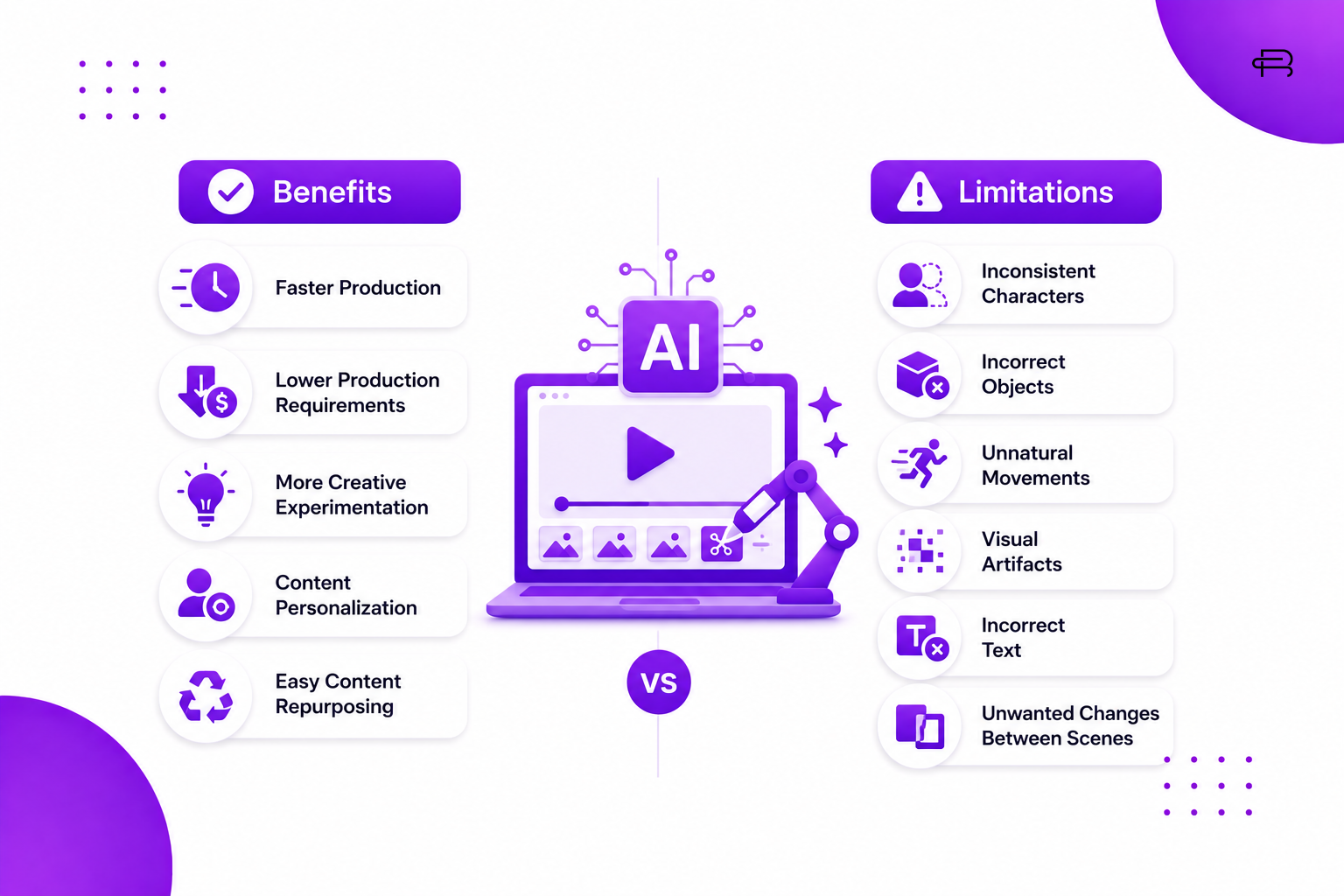 Despite their advantages, AI video generators are not perfect.
Generated videos can sometimes contain:
- Inconsistent characters
- Incorrect objects
- Unnatural movements
- Visual artifacts
- Incorrect text
- Unwanted changes between scenes
AI-generated hands, faces, product details, and written text may also require additional attention depending on the tool.
This means human review is still important.
The best workflow is usually not AI instead of humans, but AI combined with human creativity and quality control.
AI Video Generator vs Traditional Video Production
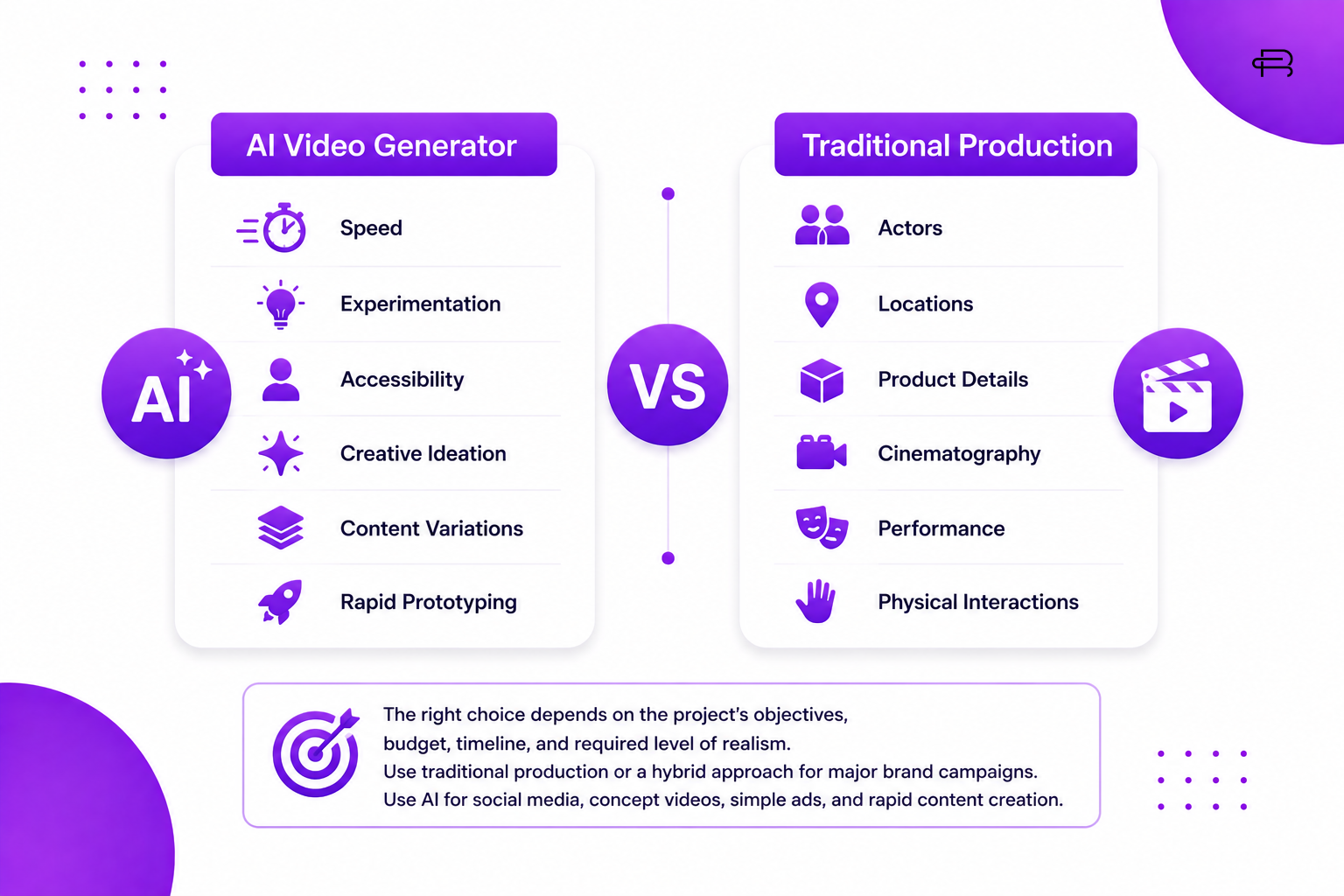 Traditional video production still has an important place in professional media.
Traditional production provides greater control over:
- Actors
- Locations
- Product details
- Cinematography
- Performance
- Physical interactions
AI video generation provides advantages in:
- Speed
- Experimentation
- Accessibility
- Creative ideation
- Content variations
- Rapid prototyping
The right choice depends on the project’s objectives, budget, timeline, and required level of realism.
For a major brand campaign, traditional production or a hybrid workflow may be appropriate.
For social media experiments, concept videos, simple advertisements, and rapid content creation, AI can be extremely useful.
The Future of AI Video Generation
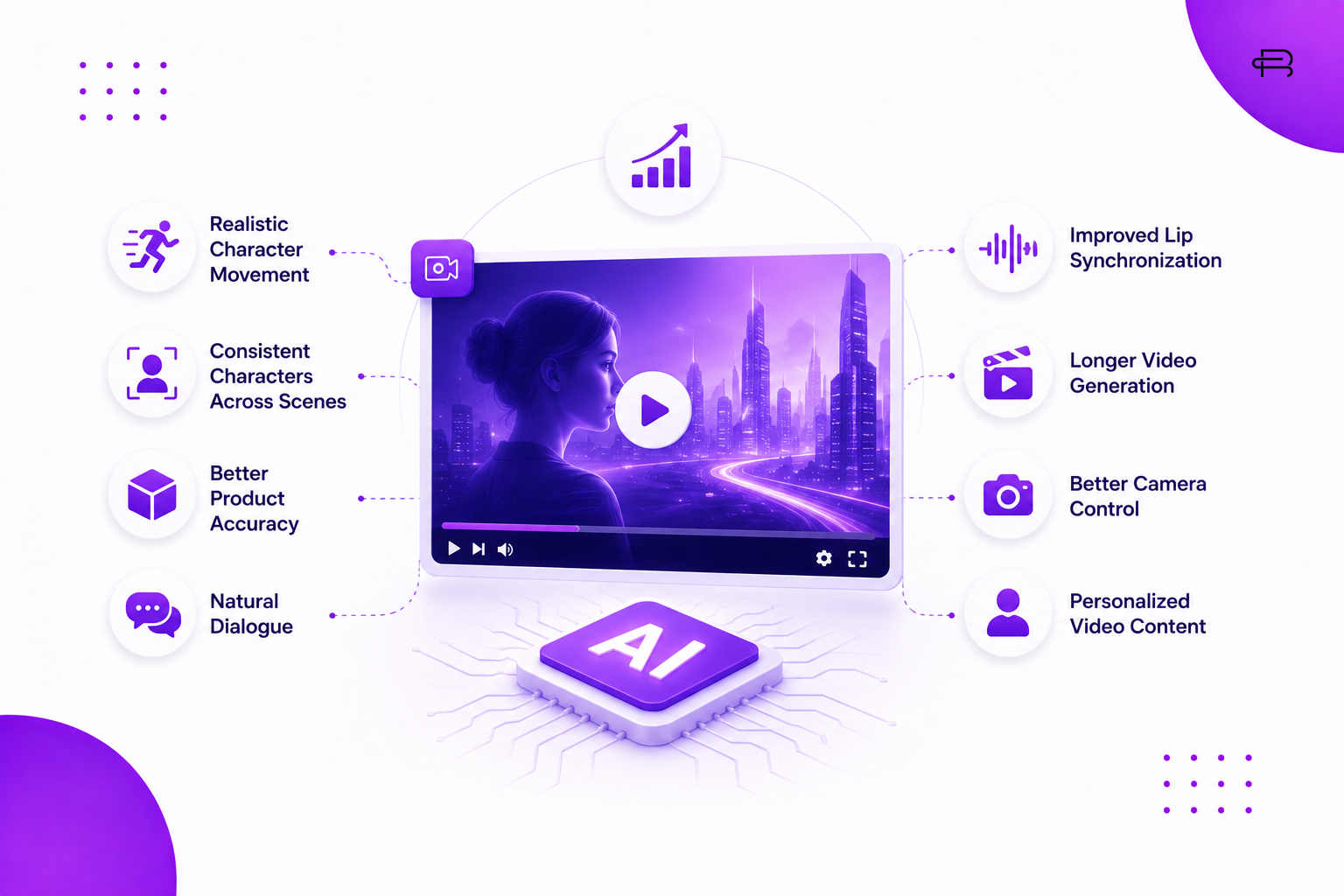 AI video technology is developing rapidly.
As these systems become more capable, we can expect improvements in areas such as:
- Realistic character movement
- Consistent characters across scenes
- Better product accuracy
- Natural dialogue
- Improved lip synchronization
- Longer video generation
- Better camera control
- Personalized video content
The future of video creation is likely to combine AI technology with human creativity.
Instead of replacing creative professionals completely, AI can become another tool that helps marketers, designers, filmmakers, and creators turn ideas into visual experiences faster.
Conclusion
An AI video generator is transforming how businesses and creators approach video production.
From social media content and product advertisements to educational videos and creative campaigns, AI can make video creation faster, more accessible, and easier to scale.
However, technology alone does not create great content.
A successful video still needs a strong idea, good storytelling, clear visual direction, and an understanding of the target audience.
The most effective approach is to use AI as a creative partner—letting technology handle repetitive production tasks while humans focus on strategy, creativity, storytelling, and authenticity.
As AI video generation continues to evolve, businesses that learn how to combine AI with strong digital marketing strategies will have more opportunities to create engaging content and stand out in an increasingly competitive digital landscape.